01
Student assignments
Draft submissions, project proposals: guide students to a better submission.
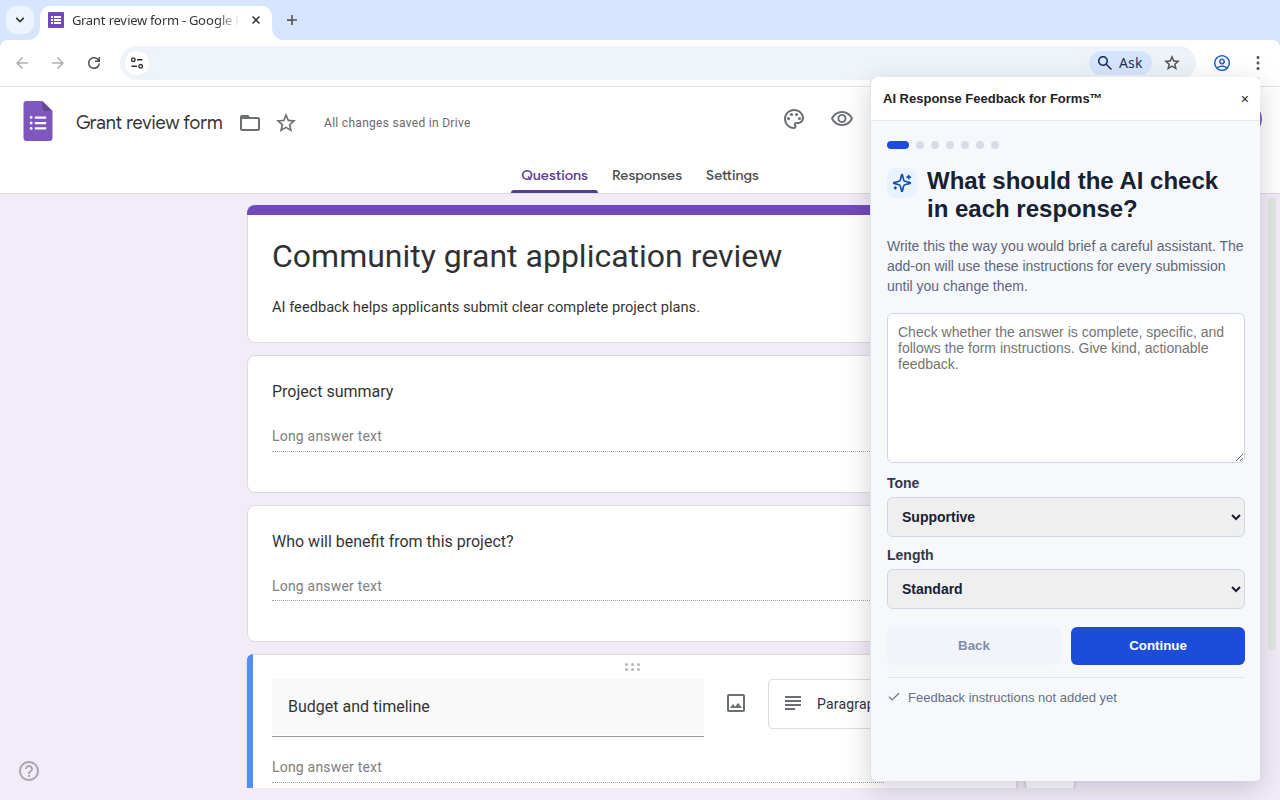
Describe what a good answer looks like in plain language. When someone submits, the AI checks their response and emails feedback with a button to update it. It keeps going until the answer is what you actually need.
Get the Add-onFrom form submission to AI-powered feedback in seconds.
Draft submissions, project proposals: guide students to a better submission.
Flag incomplete answers and ask applicants to clarify before review.
Quality-check submissions before they reach your team's queue.
Send a personalized follow-up to every respondent, automatically.
Help staff spot missing or unclear answers before escalation.
E.g. Check that the applicant included their portfolio URL and a brief project description. No prompt engineering, no training data, just instructions a teammate could follow.
Pick the email source: Google's built-in field or a custom question. Fully customizable email templates.
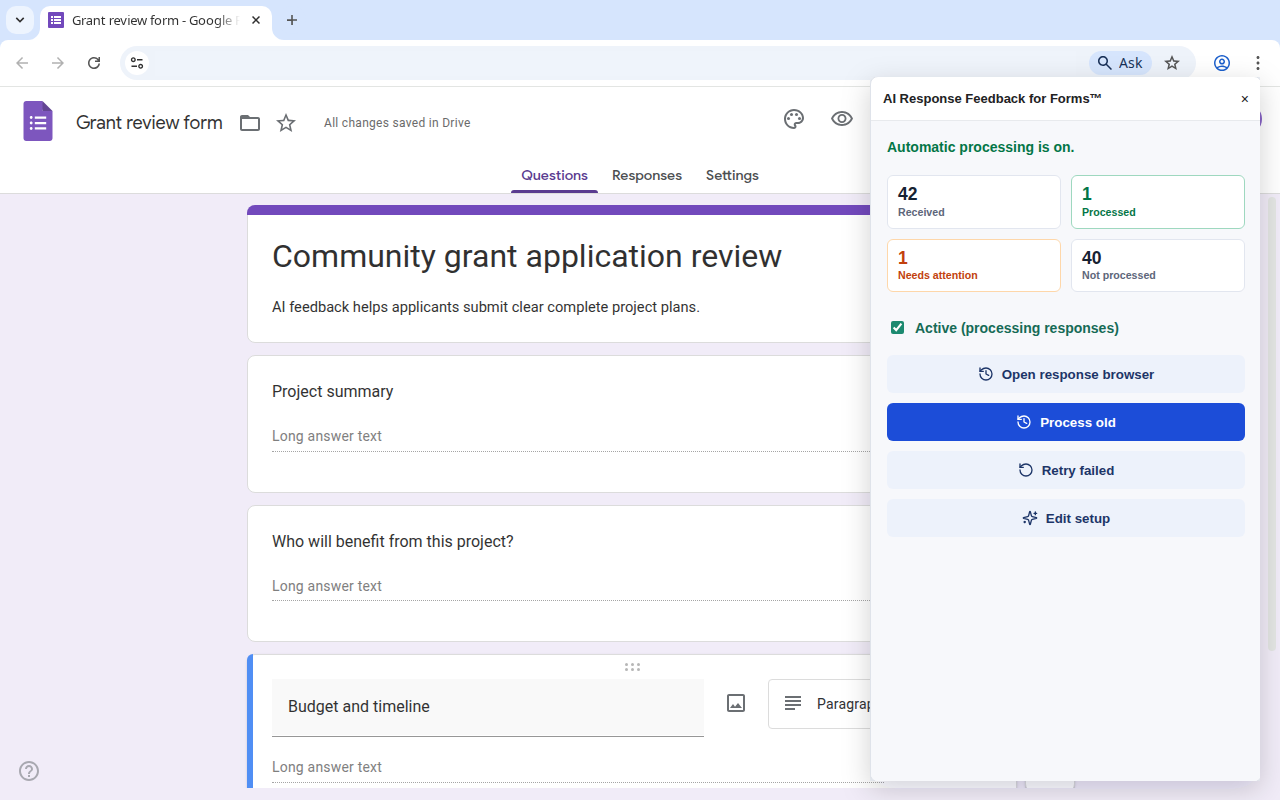
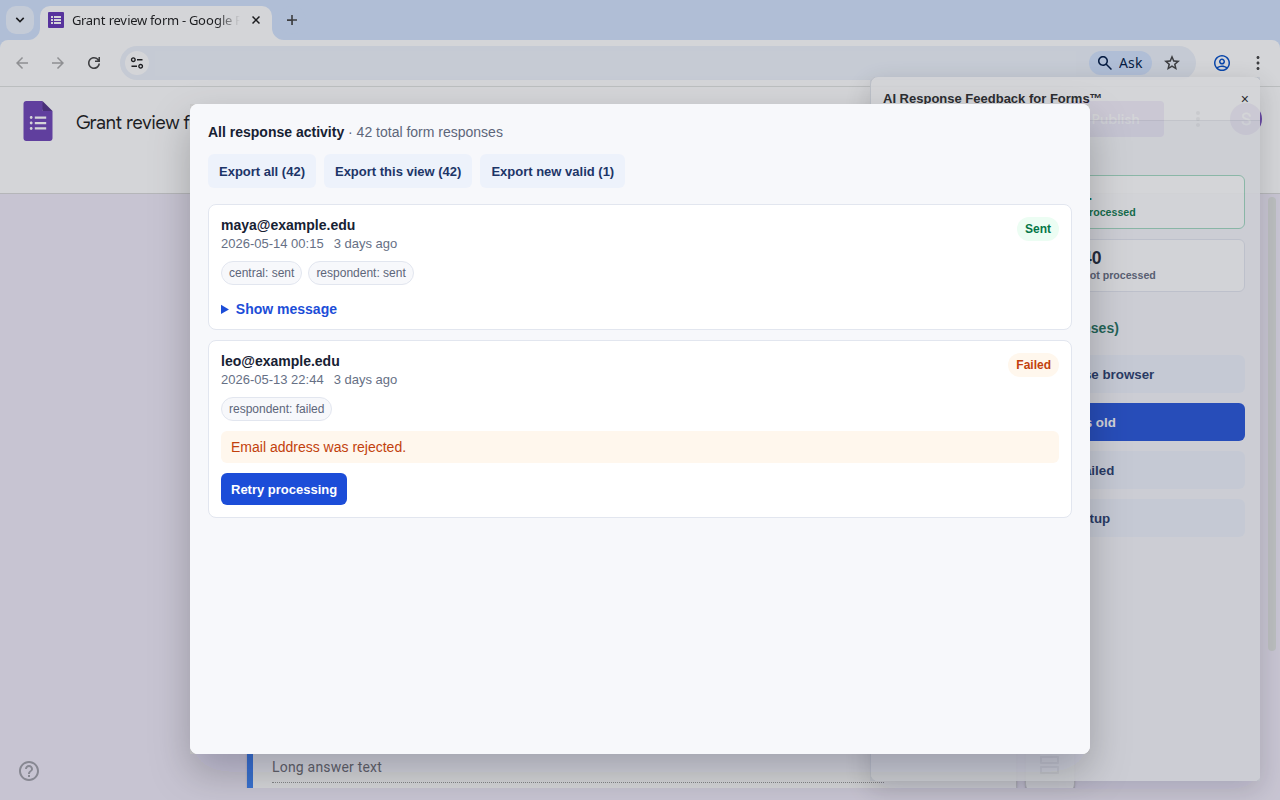
Every new submission gets reviewed. Failed deliveries retry automatically. Review activity any time in the response browser.
Write instructions in natural language. No prompt engineering, no training data.
Send to the respondent, a central inbox, or both. Fully customizable email templates.
Respondents can update their submission after reading feedback. AI re-evaluates until it passes.
Every response, its AI verdict, and delivery status, all in one place inside the form.
Failed to send? The add-on retries automatically. Turn the add-on on late and catch up on old responses.
Only the permissions needed: read the current form, send email, create triggers. Your data stays in your Google Workspace.
Install the add-on from the Google Workspace Marketplace, write your first rule, and test it on a submission, all in under 5 minutes.
Install from Marketplace